
What types of communications exist in MCRM Kit and how do you create a message mailing?
Table of contents
Popular communications
- SMS. SMS Message Broadcasting.
- Wappi. Communication in WhatsApp Messenger.
- E-mail. Email Newsletter to Clients.
- Telegram. Communication in a Messenger via a Telegram Bot Created in MCRM. Messages can include text, hyperlinks, images, and gif.
- Action Telegram. Predefined messages displayed to clients on websites, in an app, or in a Telegram bot. In Telegram, the message appears when the client clicks the corresponding button.
- App push. Push notifications sent to the client's mobile app (communication is available for users with their own app).
- Popup API. A pop-up window over the web page when an authorized client visits the site.
- Voice. Phone calls to clients with a message read by a robot or a pre-recorded audio file. The call lasts up to 15 seconds.
- Comment (Комментарий). A text comment that will be available only to the CRM system user in the client card.

Communications of the "Wallet" app
- Push. A brief pop-up message on the phone from the "Wallet" app. It is displayed only on the lock screen or in the notification area.
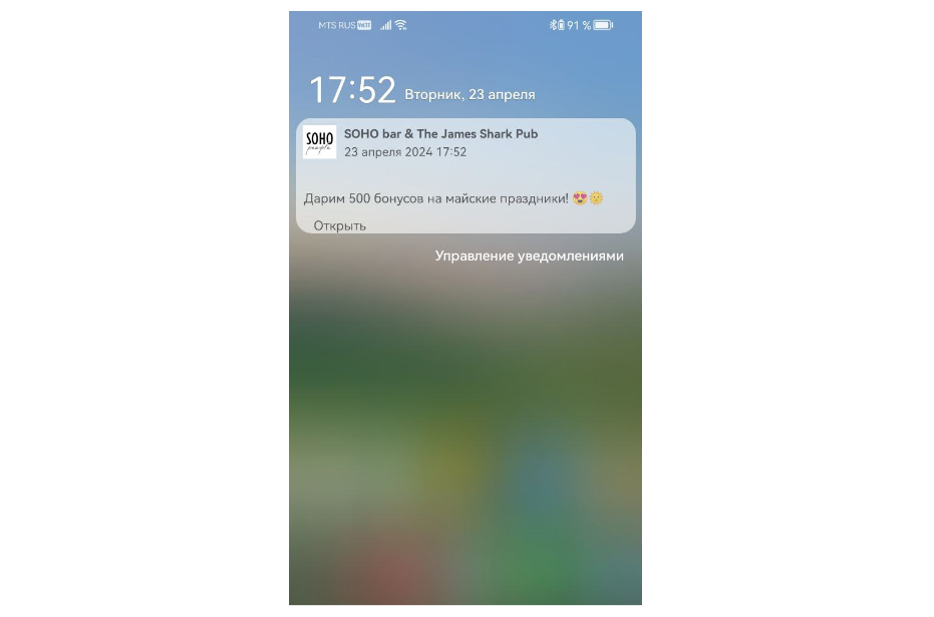
- Wallet. A message that includes a push notification and a text message on the back of the card in the app. The text message on the back will change only when a new one is sent.
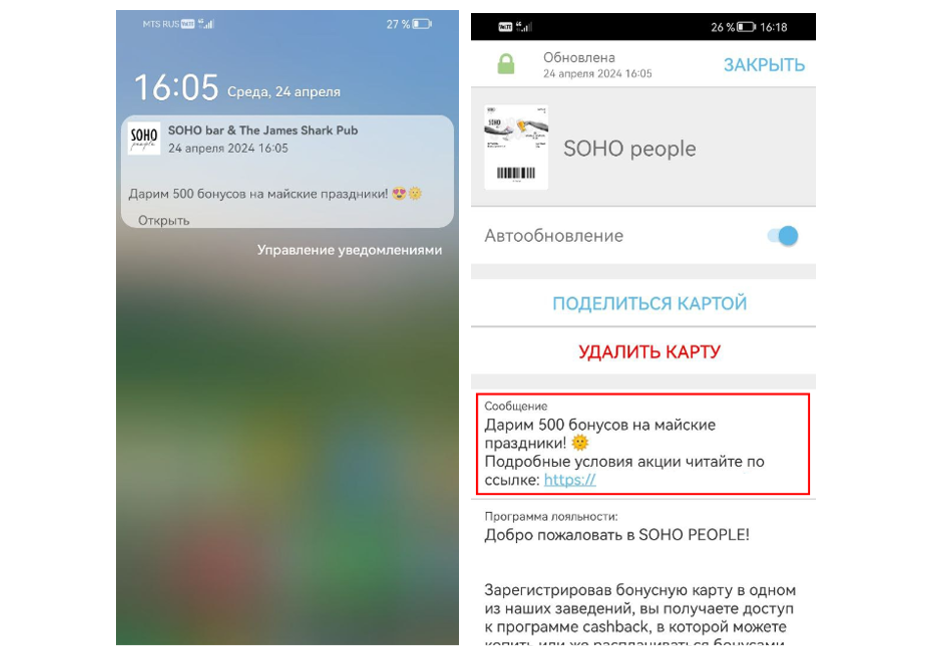
- Action Wallet. A promotion containing a push notification, promotion title, text message on the back of the card in the app, and a change of the card image for the duration of the promotion. The text message on the back will automatically disappear after the set period.

- Geo Push. A push notification that pops up on the phone screen within a 300-meter radius of a specified geolocation. It automatically disappears outside the specified radius.
History of Communications
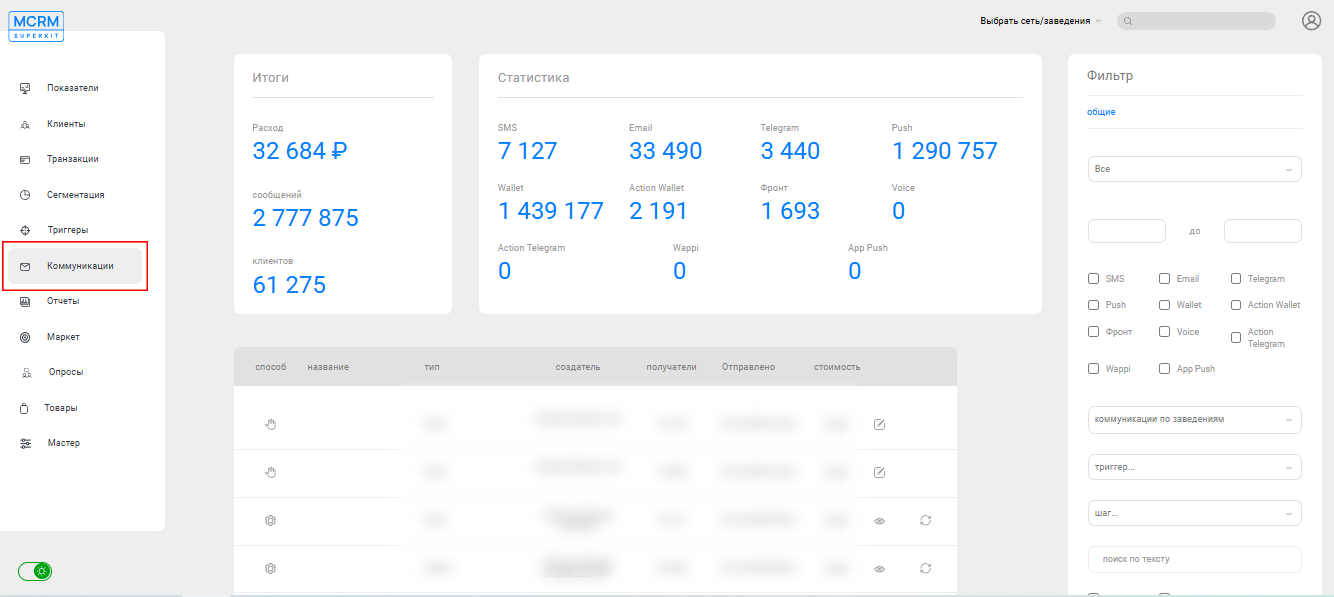
The history of bulk mailings from two or more senders is stored in the "Communications" (Коммуникации) section of the system.
The communication history with each specific client can be viewed in their personal card.
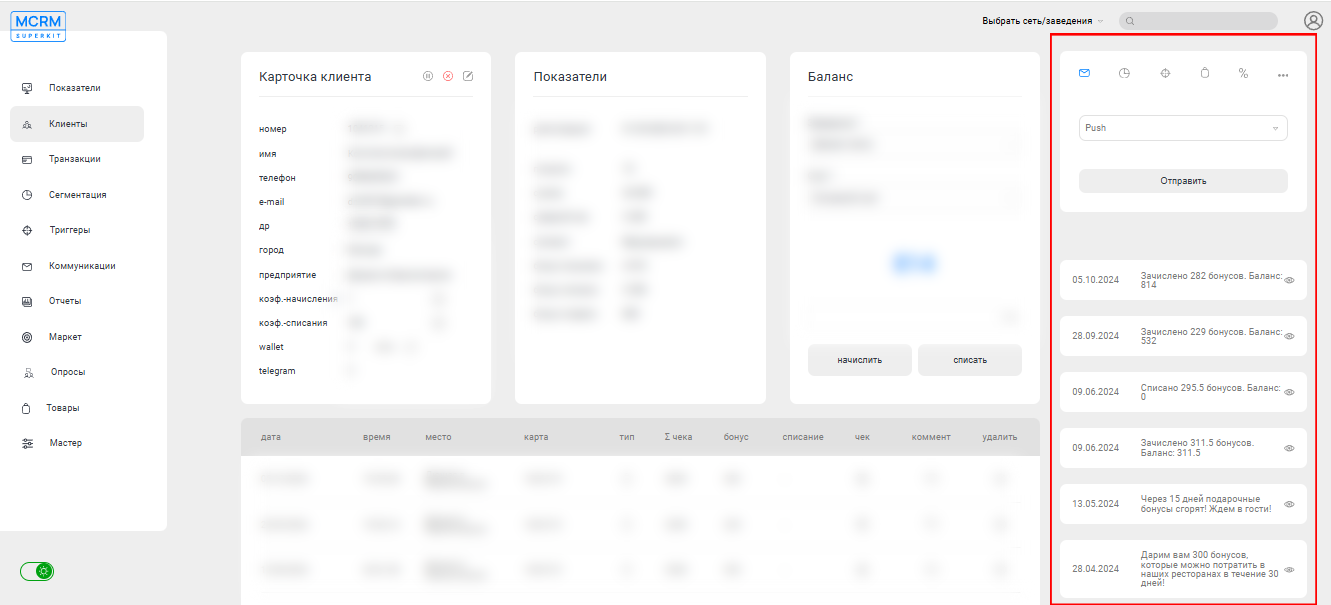
Creating Message Campaigns
Let's examine how to create a mass message distribution using the example of an SMS campaign.
- Select the desired network or establishment.
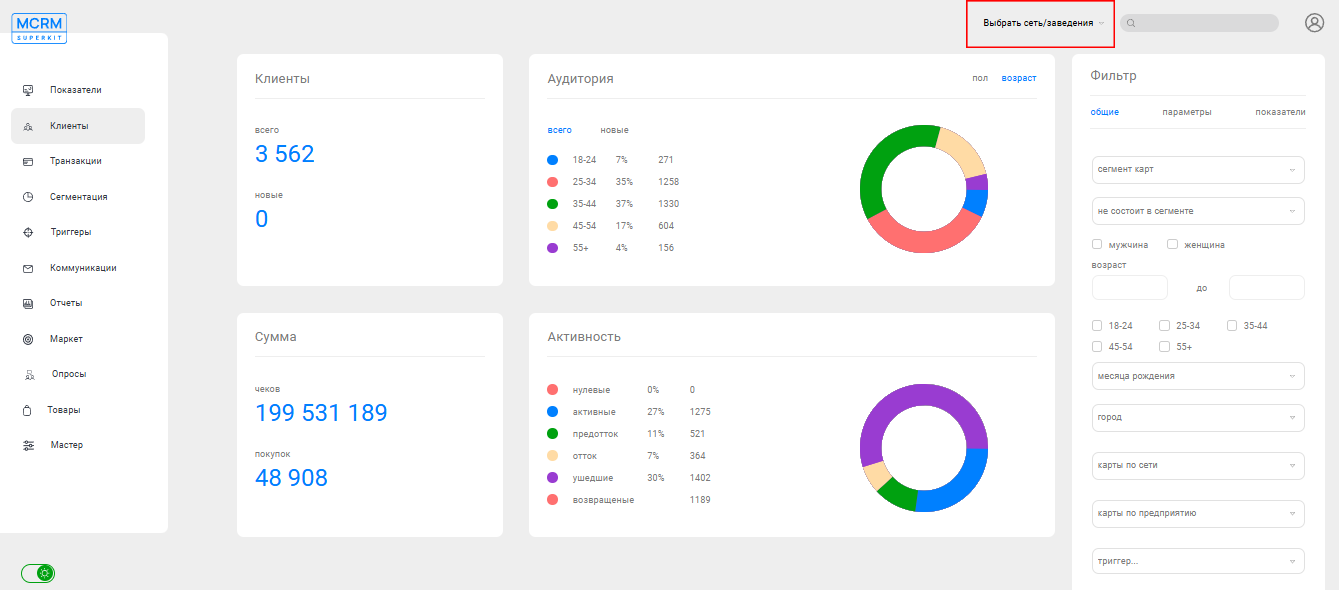
- In the "Clients" (Клиенты) section, filter the desired recipients and select the communication method (e.g., SMS).

- In the "Text" (Текст) field, enter the message content.

- Set the message sending date.

The time is set according to the time zone associated with the business from which the mailing will be sent.
- Select the business from which the sending will be executed.
- Specify the name of the mailing campaign.

- Click the "Send" (Отправить) button.